IT Infrastructure & Cloud
Office Server, Cloud, or Shared Hosting: A Comparison for Companies
An office server, cloud or VPS, and shared hosting are three places to run company systems, with different consequences for cost, control, and maintenance.
SEO and Content Specialist
5 min read
Short answer: choose an office server if you must keep data on your own infrastructure or usage is stable and predictable. Choose cloud or VPS if the load goes up and down or you do not want to manage physical hardware. Shared hosting is enough for a small website with no special server-side needs, but it is rarely right for a company’s internal systems.
The question “where do we put it?” comes up whenever a company builds a new application, replaces an old server that is failing more often, or receives a cloud bill larger than expected. There is no single right answer for every company, but the considerations are always the same: who holds the hardware, what the cost pattern looks like, and who looks after it every day.
Comparing an office server, cloud, and shared hosting
| Aspect | Office server | Cloud or VPS | Shared hosting |
|---|---|---|---|
| Hardware | Purchased and housed in your own building | Rented from a provider, no physical hardware in the office | One server shared by many customers |
| Cost pattern | Large upfront, then electricity, cooling, and spare parts | A running bill that follows usage | Lightest, with limited capacity |
| Control over data | Full, on company-owned infrastructure | In the provider’s data center, with server settings in your hands | Limited to what the provider’s panel allows |
| Adding capacity | Buy and install additional hardware | Scaled up or down in minutes | Limited to the available plans |
| What you need to look after | Hardware, operating system, security, backups | Operating system, security, backups | Almost everything is handled by the provider |
Office server
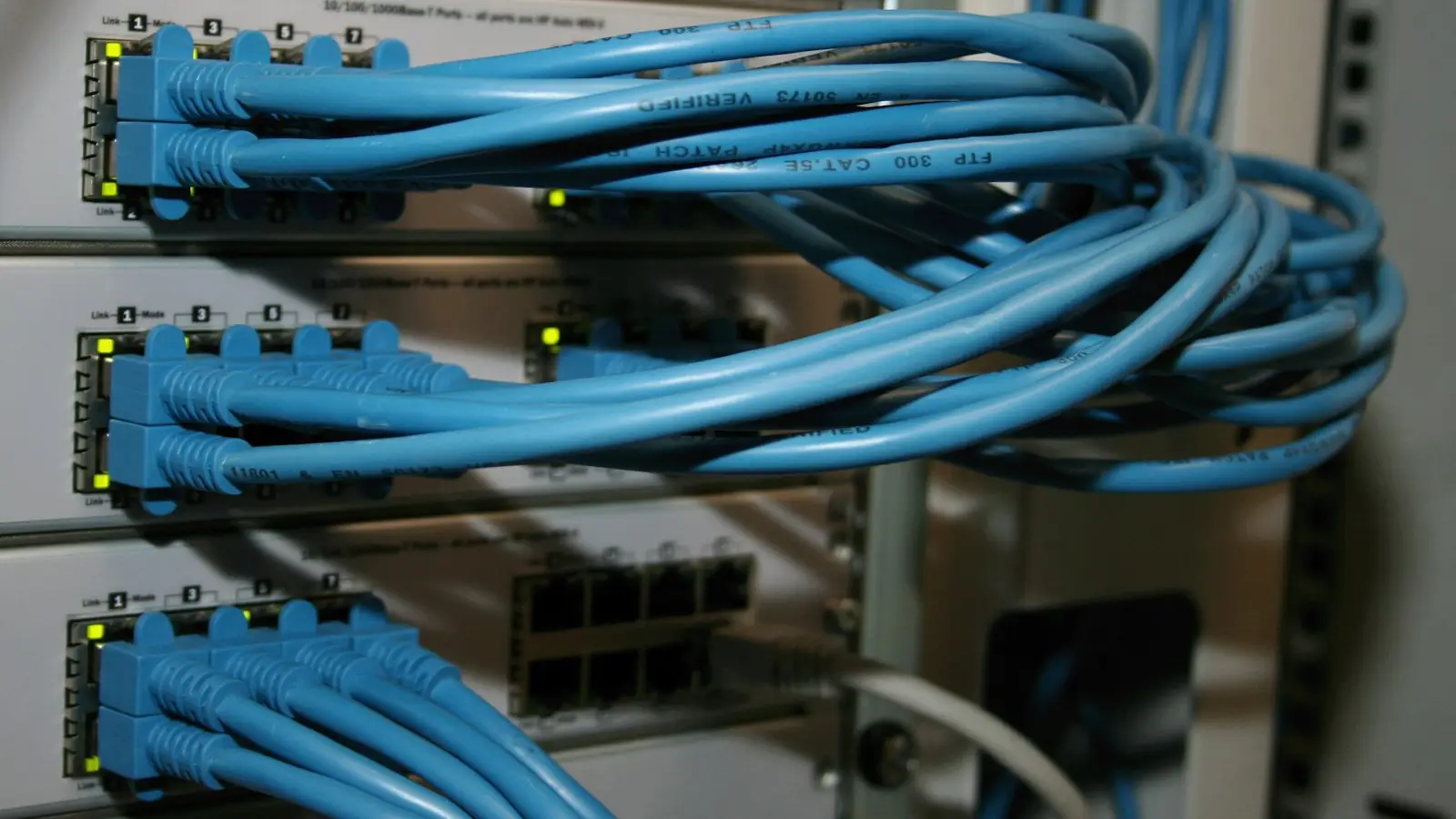
An office server gives the fullest control: data sits on company-owned infrastructure, and access can be restricted to the internal network. This option makes sense if internal rules or contracts require data to be kept in-house, or if usage is stable so capacity can be calculated for several years.
The consequence is that every layer becomes your responsibility: hardware that will eventually fail, a room with adequate power and cooling, operating system updates, security, and backups. The upfront cost is large, and adding capacity means buying more hardware.
Cloud or VPS
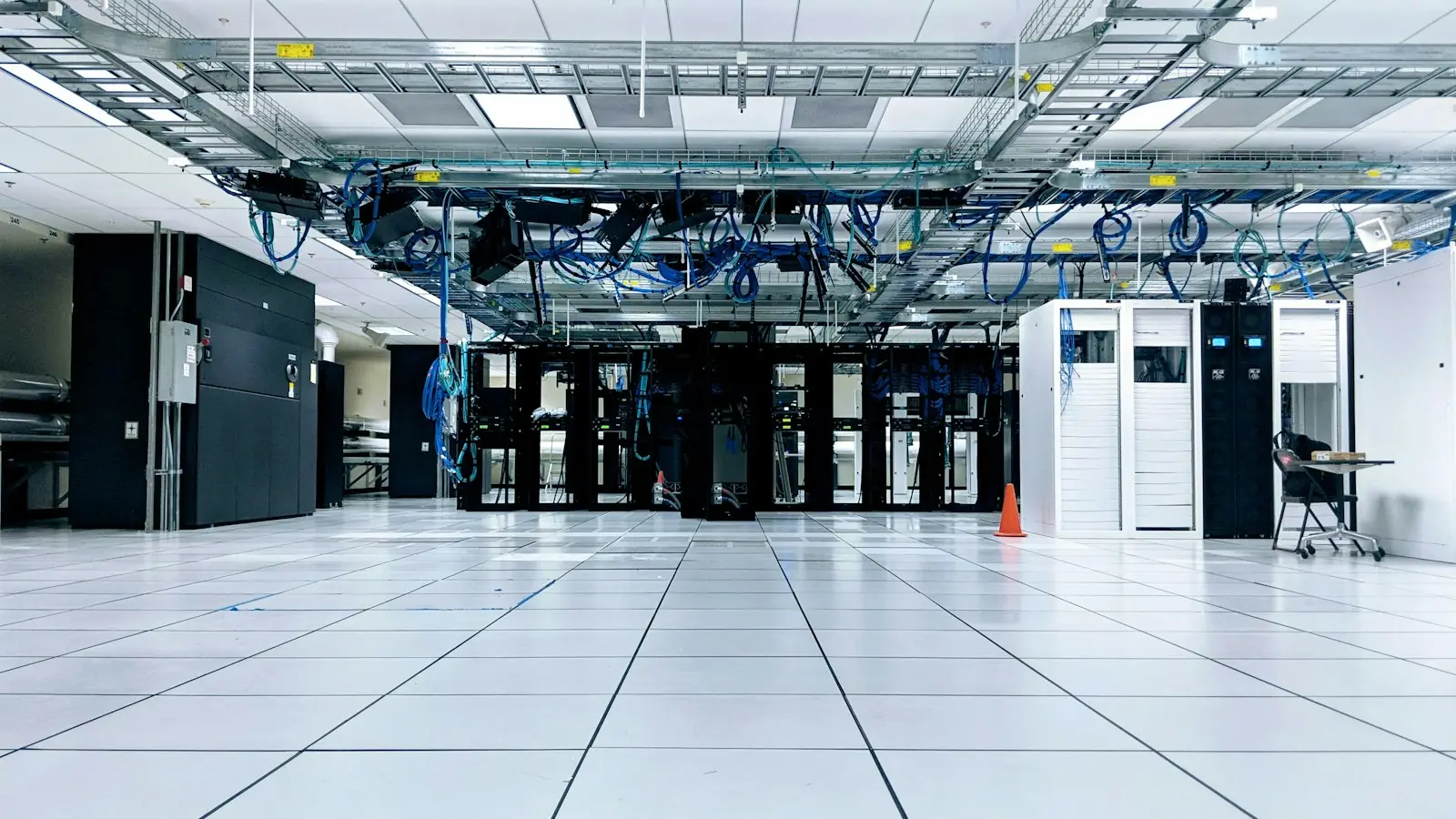
Cloud and VPS move the hardware concerns to the provider. You still manage the operating system, security, and backups, but you do not need to think about failed hardware or server rooms. Capacity can be raised when the load is high and lowered when it is quiet.
What to watch for is the bill that grows quietly: test servers that were forgotten and left on, capacity ordered too large, and data transfer fees not counted at the start. Cloud is economical when monitored and expensive when left alone.
Shared hosting
Shared hosting is the lightest option: one server is used by many customers, and almost all maintenance is handled by the provider. For a simple company website, this is often enough. For internal applications, systems that store sensitive data, or systems that need special configuration, the room for customization is usually too narrow.
Costs that are often forgotten
Cost comparisons between an office server and the cloud are often wrong because they compare only the hardware price with the monthly bill. These items should be counted too:
- Office server: electricity and backup power (UPS), air conditioning that runs constantly, spare part replacement, expired device warranties, and the time of the people who look after it.
- Cloud or VPS: outbound data transfer, backup storage, additional IP addresses, operating system or database licenses, and test servers that were forgotten and left on.
- Both: monitoring, security updates, tested backups, and a recovery plan if the main server fails.
Count everything over the same period, for example three years, so that the upfront purchase and the monthly bills can be compared fairly.
Questions for deciding
- Is there an obligation to keep data on your own infrastructure? If so, an office server or a dedicated server is the starting point.
- How much does the load fluctuate? Seasonal or unpredictable loads suit the cloud better.
- Who will look after the server every day? An unattended server is more dangerous than a less ideal choice of location.
- What is the total cost over three years? Compare the hardware purchase plus electricity, cooling, and spare part replacement against the cloud bill for the same period.
- What is the recovery plan? Where are backups stored, and how long can the system take to come back if the main server fails?
Many companies end up with a combination: an office server for certain systems, cloud for applications accessed from outside, and backups in a location separate from both.
How Legia does it
In the Server Installation & Management service, Legia handles physical servers in the office, virtual servers, and cloud, on both Linux and Windows Server, and presents the cost comparison before you decide. The installation covers a firewall, SSH keys, two-step authentication, access logs, and backups that are tested at installation. After that the server can be managed monthly under a contract with a 12-month minimum. If the decision is to move systems to the cloud, the process is covered in the Cloud Migration & Architecture service.
Frequently asked questions
Is cloud always less expensive than your own server?
Not always. For a stable, predictable load over many years, your own server can cost less. Cloud excels for loads that go up and down and when you do not want to bear the hardware.
Is data in the cloud less secure?
Security is determined more by how the server is configured and looked after than by where it sits. An office server that is never updated is as risky as a misconfigured cloud server.
Can an office server and the cloud be used together?
Yes, and it is fairly common. The key is a clear division: which system goes where, how the two are connected securely, and where the backups are kept.
Other infrastructure services, including office network installation, are on the IT Infrastructure & Cloud page.
Does your office server or network need to be set up and looked after? See Legia IT infrastructure and cloud services, or schedule a consultation through the contact page.