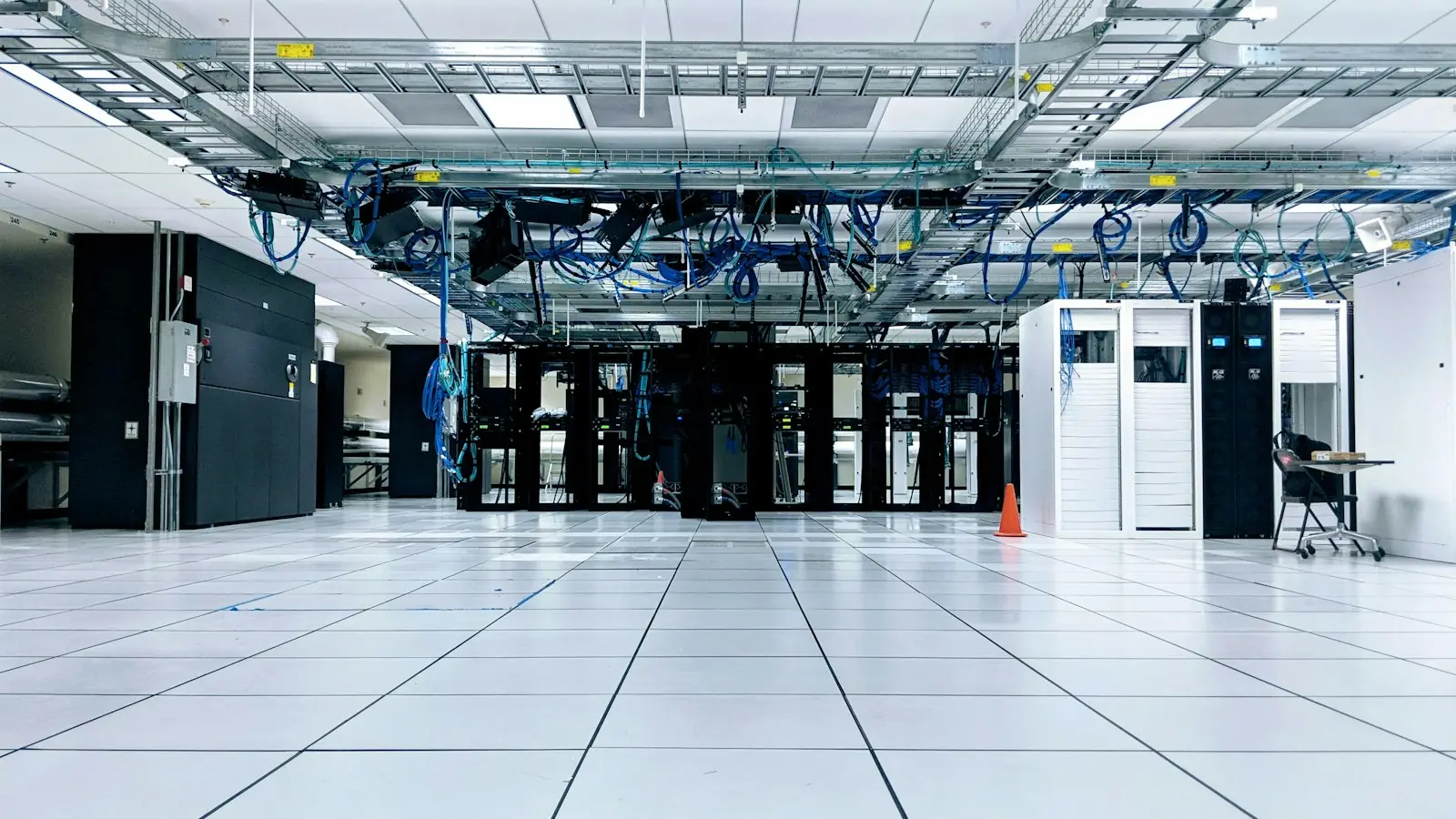
IT Infrastructure & Cloud
Is Wi-Fi Alone Enough for an Office Without LAN Cables?
Wi-Fi alone can be enough for a small office with devices that move around. Once there are important fixed devices, LAN cable points make the network far more stable.
SEO and Content Specialist
2 min read
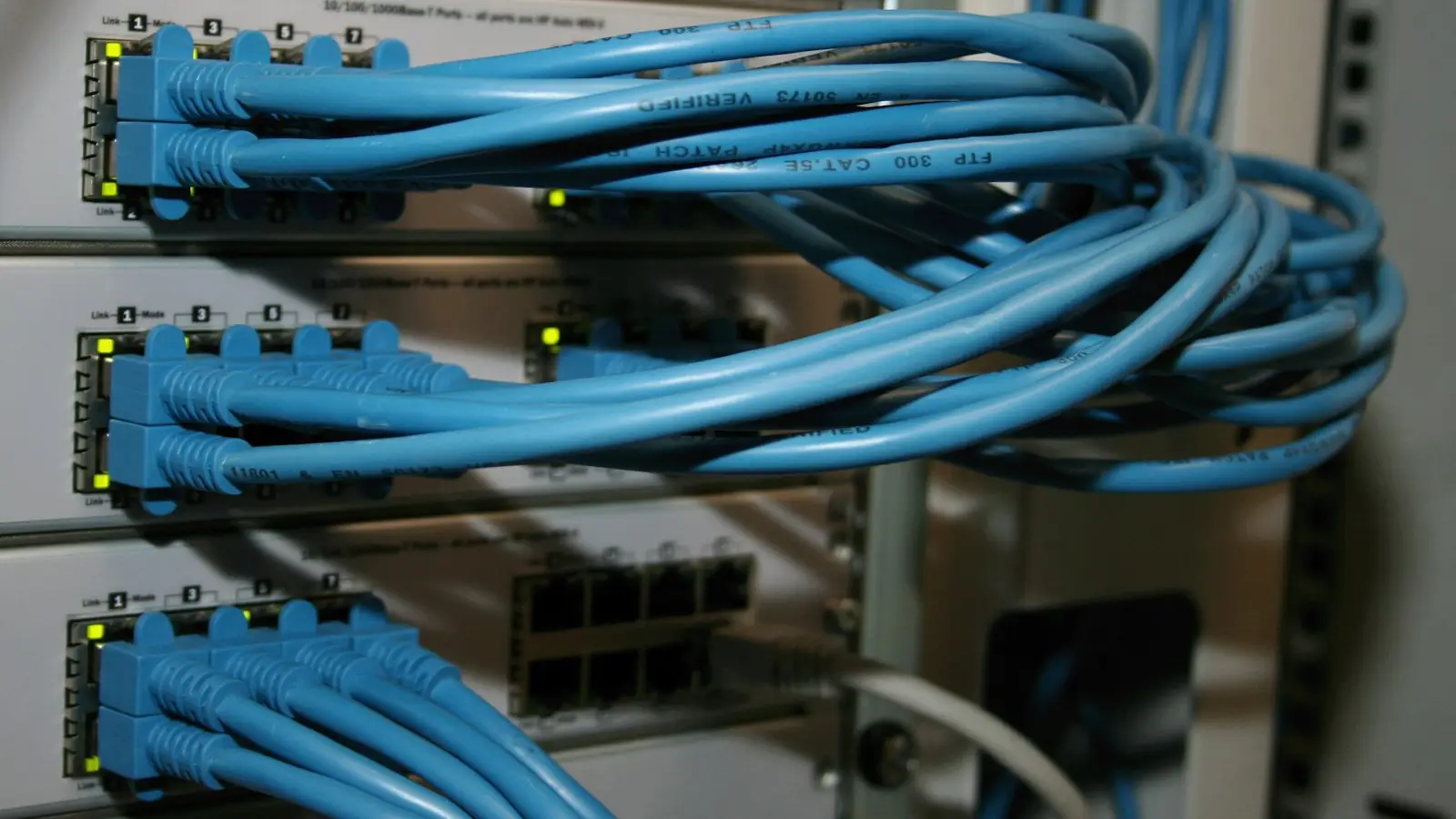
Short answer: for a small office where most devices are laptops and phones, Wi-Fi alone can be enough. But “no cables at all” is almost never true: the Wi-Fi access points themselves are connected by cable. Once there is a shared printer, desktop computers, a meeting room for video calls, or CCTV, LAN cable points make the network far more stable.
Why Wi-Fi alone often feels sufficient at first
In an office with a few employees, one or two access points serve everyone without problems. Installation is quick, with no need to open up the ceiling, and employees can move between desks freely. Problems usually appear only as the number of users and devices grows, because all devices connected to one access point share the same capacity.
Signs your office needs LAN cable points
| Sign | Why cabling helps |
|---|---|
| Video calls often break up in the meeting room | Cabled meeting room equipment does not compete for capacity with other users |
| The shared printer often “drops off” the network | Fixed devices are most stable over cable |
| Desktop computers are used for heavy applications or large files | Cables are not affected by walls or the number of users |
| There is CCTV or other devices that stay on all the time | Their traffic does not burden employee Wi-Fi |
| Wi-Fi slows down only at peak hours | Access point capacity is shared; moving fixed devices to cable relieves it |
If you stay with Wi-Fi, keep this in mind
- The number and placement of access points matter more than the speed of your internet subscription. Concrete walls and steel cabinets weaken the signal.
- The 2.4 GHz and 5 GHz bands behave differently: 2.4 GHz reaches farther but is more crowded, while 5 GHz is less congested but has a shorter range. Modern access points use both.
- Separate the guest network from the employee network, so guest devices cannot see office devices.
One more thing that is often forgotten: an access point mounted on the ceiling still needs a cable and power. Planning cable routes for access points from the start lets Wi-Fi be expanded later without tearing up rooms.
How to decide
List the devices that stay in one place, then estimate the number of users per area at peak hours. If the first list is nearly empty and there are few users, well-designed Wi-Fi is enough. If not, plan cable points from the start: pulling cables after the ceiling is closed is much more trouble.
The full comparison, including when fiber optic is used, is in the article LAN Cable, Fiber Optic, or Wireless for Offices. The split between the three is decided during the site survey in Legia’s Office Network Installation service.
Sources
Does your office server or network need to be set up and looked after? See Legia IT infrastructure and cloud services, or schedule a consultation through the contact page.