IT Infrastructure & Cloud
What Is an Office Guest Network?
A guest network is a separate network that gives visitors internet access only. Here is how to decide what to isolate, which terms of use to show, and what to log.
SEO and Content Specialist
3 min read
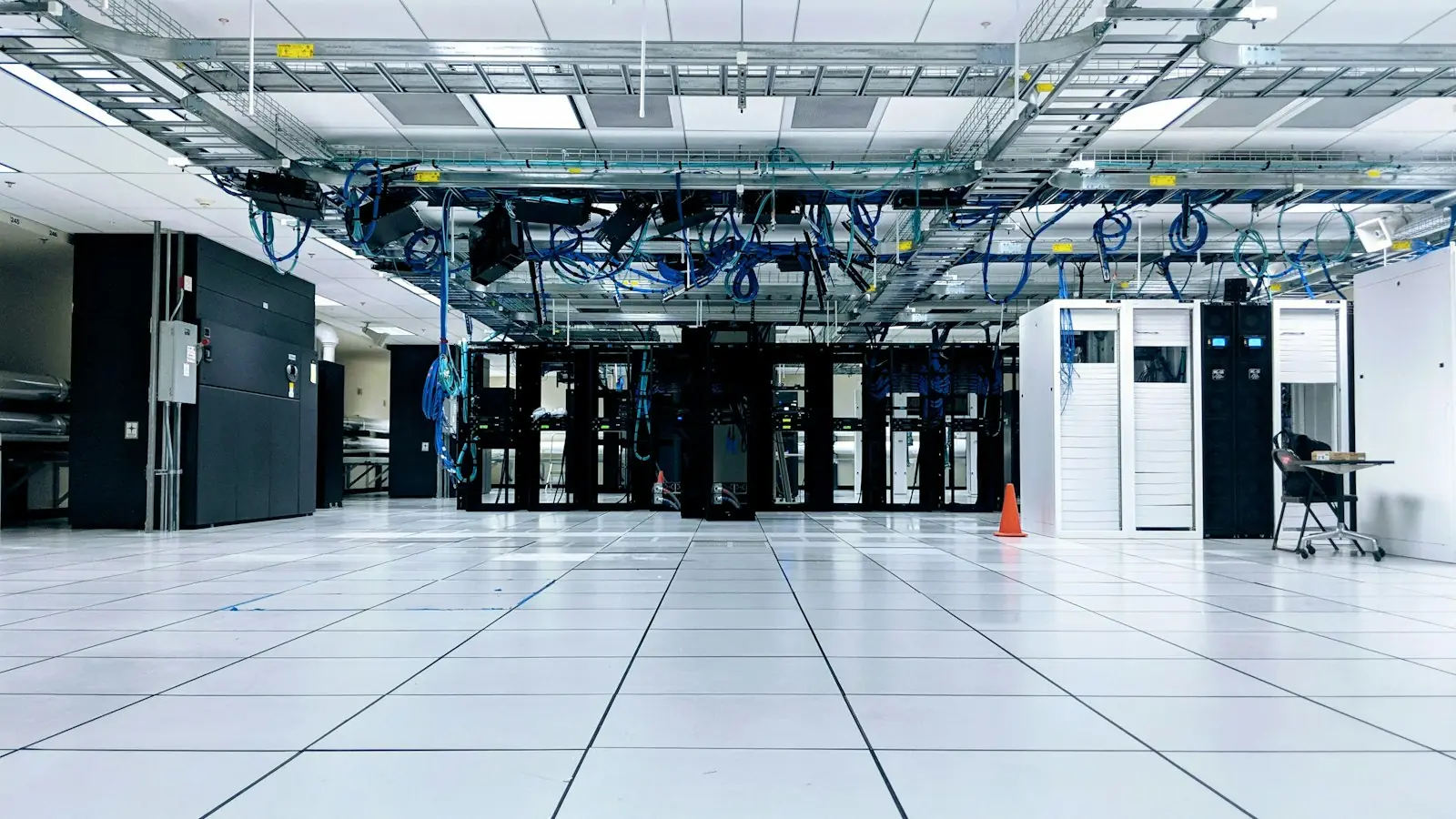
Short answer: an office guest network is a separate network that gives visitors internet access only, without being able to reach the office’s computers, servers, printers, or network equipment. Beyond separating it with a VLAN, guests should be isolated from each other, given bandwidth limits, shown terms of use, and logged just enough that problematic use can be traced.
Almost every office offers Wi-Fi to guests, vendors, or meeting participants. The problem is that an office guest network is often just a different Wi-Fi name that still ends up on the staff network. The basic separation with VLANs and firewall rules is covered in Office VLANs. This article answers the next question: once it is separated, what else needs to be set?
What should be isolated on a guest network?
| Setting | Purpose |
|---|---|
| Deny access to every internal office address | Guests cannot scan or open servers, printers, and cameras |
| Isolation between guest devices | An infected guest device cannot attack other guests |
| Block access to management interfaces | Admin pages of the router, switches, and access points are unreachable from the guest network |
| Bandwidth limits per device and per network | One guest’s large download does not use up the office connection |
| A password changed regularly | Access does not stay with past visitors |
Cisco Meraki documentation, for example, recommends a rule that denies guest wireless clients access to the LAN, isolation between clients, and per-client and per-SSID bandwidth limits for guest networks.
Is a consent page and logging needed?
A consent page (splash page) is a page shown before a guest connects. Meraki documentation says this page can show terms of service, for example an acceptable use policy or a privacy statement. The content can be short: the network is for internet only, unlawful activity is prohibited, and usage may be logged.
Logging helps trace reports of abuse coming from the office’s IP address. What is usually kept is the address assignment (DHCP) log and the firewall log, so one address at one time can be linked to one device.
If the consent page asks for a name, phone number, or email, the company is processing personal data. Article 16 paragraph (2) of Law Number 27 of 2022 on Personal Data Protection requires collection that is limited and specific, notice of the processing purpose, protection from unauthorized access, and deletion after the retention period ends. In practice:
- Collect only data that is actually used. A click-to-agree page with no form fields is often enough.
- State the purpose of logging on the consent page.
- Set a retention period for logs and delete them once it passes.
- Limit who may open the logs.
This summary is for technical planning, not legal advice.
Next step
Check your guest network with one simple test: connect a phone to the guest Wi-Fi, then try to open the printer’s address or the router’s admin page. If it opens, the separation is not working yet. In the Office Network Installation service, Legia installs a firewall and a guest network separated from the office network, with rules agreed in advance and the configuration handed over in the documentation.